
How to Get WhatsApp Blue Tick Verification; A Complete Guide by CD Studio

In today’s competitive digital space, building trust with customers is more important than ever. With the rise of online interactions, users are becoming more cautious about scams and fake accounts. This is why understanding How to Get WhatsApp Blue Tick Verification has become essential for businesses that want to establish credibility.
At CD Studio, we help brands strengthen their digital presence and build trust-driven communication channels. One of the most effective ways to do this is through WhatsApp verification.
When customers see a verified badge next to your business name, it immediately reassures them that they are interacting with an authentic and trusted brand. In this blog, we’ll explain what this verification means, why it matters, and how to get WhatsApp Blue Tick Verification successfully.

What Is WhatsApp Blue Tick Verification?
WhatsApp Blue Tick Verification refers to the official verification badge given to select business accounts on WhatsApp Business.
Although the badge is actually green in colour, many users still refer to it as a “blue tick.”
This badge is displayed beside your business name, indicating that your account has been officially recognised as authentic.
Why Businesses Want WhatsApp Blue Tick Verification
Businesses are increasingly focusing on how to get WhatsApp Blue Tick Verification because of the advantages it offers:
Builds instant trust
Improves brand visibility
Protects against impersonation
Boosts engagement and responses
With CD Studio’s support, businesses can build stronger credibility and customer trust through verified communication.
Types of WhatsApp Business Accounts
Before learning how to get WhatsApp Blue Tick Verification, it’s important to understand the account types:
Regular Business Account
A standard account created using the WhatsApp Business app without verification.
Official Business Account
A verified business account that receives the official badge after approval.
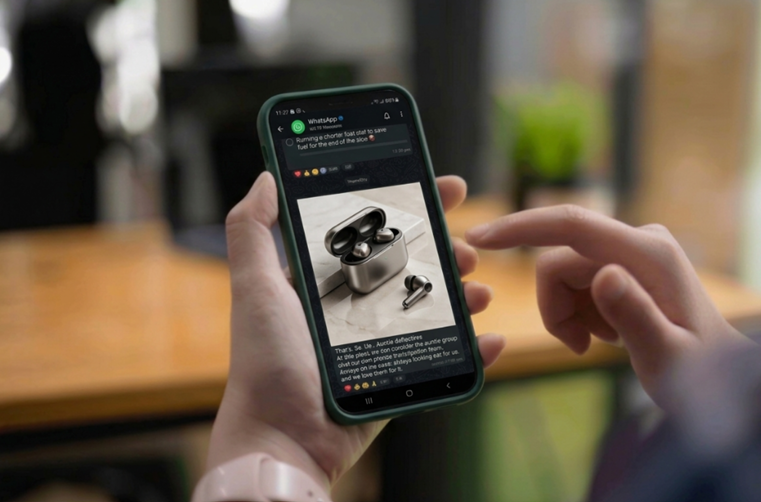
How to Get WhatsApp Blue Tick Verification
To successfully get verified, businesses should follow these important steps:
1 . Set Up a Complete Business Profile
Add:
Business name
Logo
Description
Website
Contact details
A complete profile creates the foundation for approval.
2 . Apply for WhatsApp Business API
Verification is generally available through the WhatsApp Business API for businesses managing customer communication at scale.
3 . Verify Your Business with Meta
Businesses must verify their identity through Meta Business Manager by submitting official documents.
4 . Build a Strong Online Presence
WhatsApp evaluates your digital credibility.
A professional website, active social media presence, and online mentions improve approval chances significantly.
5 . Request Verification Through an Official Partner
Businesses cannot directly apply for verification inside the app.
An official WhatsApp Business Solution Provider must submit the request.
At CD Studio, we help businesses through the complete verification process
Requirements for WhatsApp Blue Tick Verification
To improve approval chances, businesses should have:
Strong online presence
Consistent branding
Media mentions or visibility
Active WhatsApp communication
Compliance with WhatsApp policies
Common Reasons Why Verification Gets Rejected
Even businesses trying to understand how to get WhatsApp Blue Tick Verification may face rejection due to:
Low brand awareness
Weak online credibility
Incomplete business information
Policy violations
Improving these areas increases the chances of approval during reapplication.
Tips to Improve Your WhatsApp Verification Approval Chances
To improve your chances:
Build a professional SEO-friendly website
Stay active on social media
Get featured in directories or articles
Maintain consistent business information
Use WhatsApp regularly for customer engagement
These strategies help strengthen digital trust and brand authority.
Final Thoughts
Understanding how to get WhatsApp Blue Tick Verification gives businesses a major advantage in today’s digital environment.
It’s not just about earning a badge; it’s about building trust, improving visibility, and creating secure communication with customers.
Want to Get Your Business Verified on WhatsApp?
If your business is ready to build stronger trust and improve customer communication, the right digital strategy can improve your approval chances significantly.
Visit us to discover how CD Studio helps businesses strengthen their online presence and successfully navigate the WhatsApp verification process.


Comments